You know the videos. A machined aluminum dial turns with a soft, weighted click. A magnetic cable snaps into place by itself. Someone peels the protective film from a brand-new screen in one flawless motion, and for fifteen seconds your shoulders drop an inch.
These clips are a product category of their own now, and many of the gadgets in them are cheap, fun and forgotten by the end of the month. But a few really do make the place where you work a little more pleasant. The difference tends to come down to one question: will your hands reach for this every single day?
With that as the test, here are the types of desk gear that tend to survive the novelty phase, along with what to look for before you buy.
Magnetic cable management
Of everything in this genre, cable holders offer the best ratio of satisfaction to cost. A weighted base or a strip of small magnetic clips keeps your charging cables exactly where your hand expects them, rather than letting them slide down behind the desk. Look for a base heavy enough that pulling a cable free doesn't drag the whole thing along with it.
A macro pad with real keys
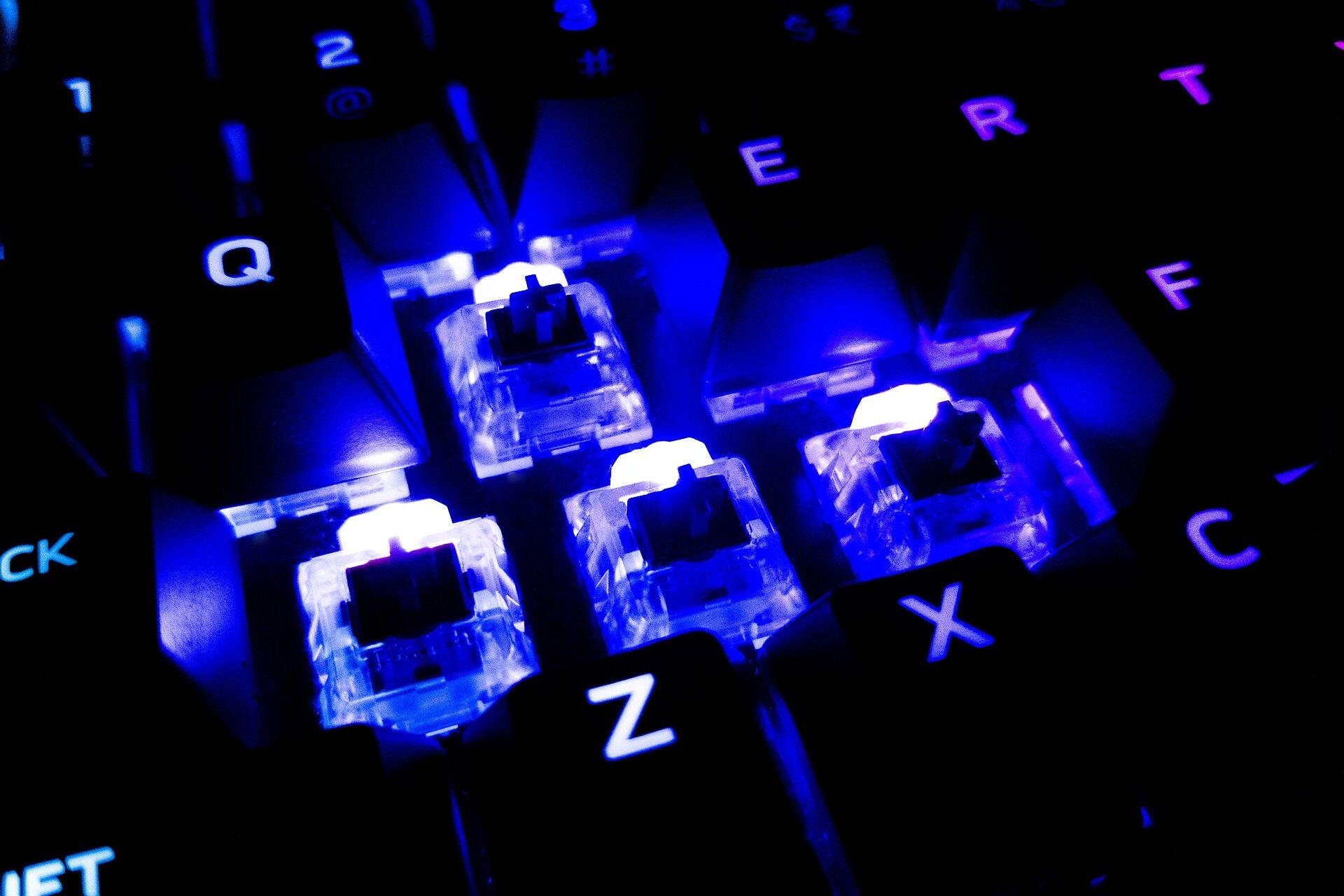
A macro pad is a tiny programmable keyboard, usually with a handful of keys and a rotary knob. It's also the rare satisfying gadget that pays for itself. Map your most-used shortcuts, mute and volume to it, and you'll use it hundreds of times a day. Prefer models with hot-swappable switches so that you can choose the sound and feel, and check that the configuration software supports your operating system.
Fidget objects that stay quiet
Sliders and magnetic spinners are compelling on camera, and many people do find that they help during long calls. The catch is that the most satisfying click on video can be the most annoying sound in a shared office. If you work around other people, look for a slider with a damped action, or ask whether a smooth stone from your last trip might do the same job.
Lighting that behaves
A monitor light bar is less flashy than a color-changing strip, but it's the one upgrade you'll notice in your eyes. It lights the desk without glare on the screen, and it takes up no desk space. Choose one with a physical dial instead of a phone app. Turning it is half of the fun, and it'll still work when the app stops being updated.
The drawer test
Before buying anything you saw in a short video, try a simple exercise. Picture the object on your desk in three months. Is it doing a job, or is it just sitting there being attractive? Videos are built to sell you the first thirty seconds of ownership. The objects worth keeping are the ones still doing something on day ninety.
If you like your tools to earn their place, the same logic applies to the things you carry. Our guide to building an everyday carry for under $100 applies this test to the contents of your pockets.
And if you do buy the clicky one that serves no purpose at all? That's fine too. Just call it what it is: a very small, very enjoyable toy.